Skip to content
EmpleadoVirtual.ai

Virtual employees for your business

Add virtual employees to your website, your online store and your shop.

Train them like anyone on your team, for whatever role you need. They answer by chat, and you stay in charge.

The robots are just an illustration — every virtual employee answers by chat.

Scroll to walk down the street

01Any role you need

Support, sales, marketing… or one you invent.

Give it a name, a tone and a greeting, and teach it your business's rules and frequently asked questions.

02One employee for every task

Your team grows when you decide.

Add virtual employees as your business needs them, and train each one like a new hire.

03On every channel

One employee, on your website, your online store and your shop.

Add it to your website or online store with a snippet, and to your shop with a QR code that opens its chat. It answers by chat wherever you put it.

04You stay in charge

Every conversation, in your inbox.

Take over any of them, reply yourself and hand it back. Each one shows the credits it used.

Skip the walk

Live

Try it now: write to Vale.

Vale is a demo virtual employee. Write to her the way a customer of your business would.

Public demo: don't share personal data. The inbox conversations are an example.

The team

A team that learns your business.

Every virtual employee has its own name, role, tone and answers. You create it and you train it.

  • Miniature robot with a teal scarf, typing at its desk

    Support

    Answers the frequent questions: shipping, hours, payment methods.

  • Miniature robot with an amber scarf behind the counter of a parcel shop

    Sales

    Handles questions about products, payments and shipping, within the rules you gave it.

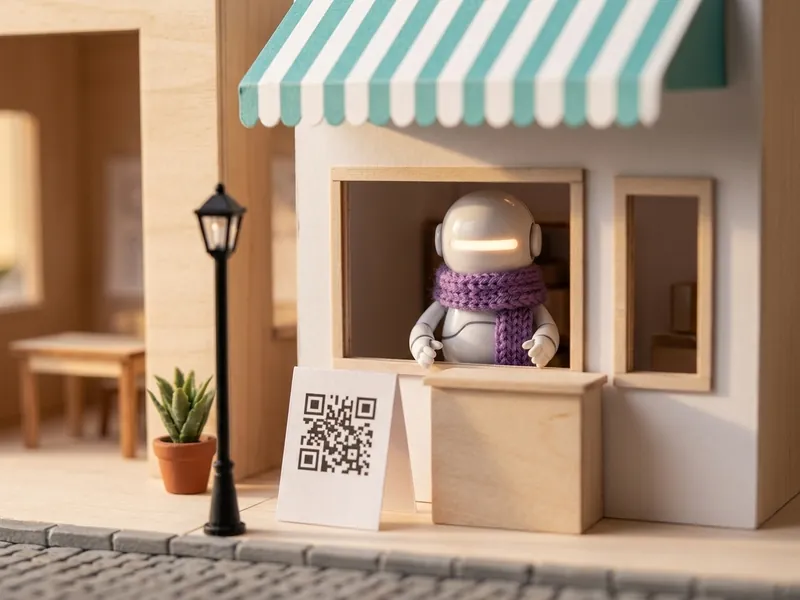
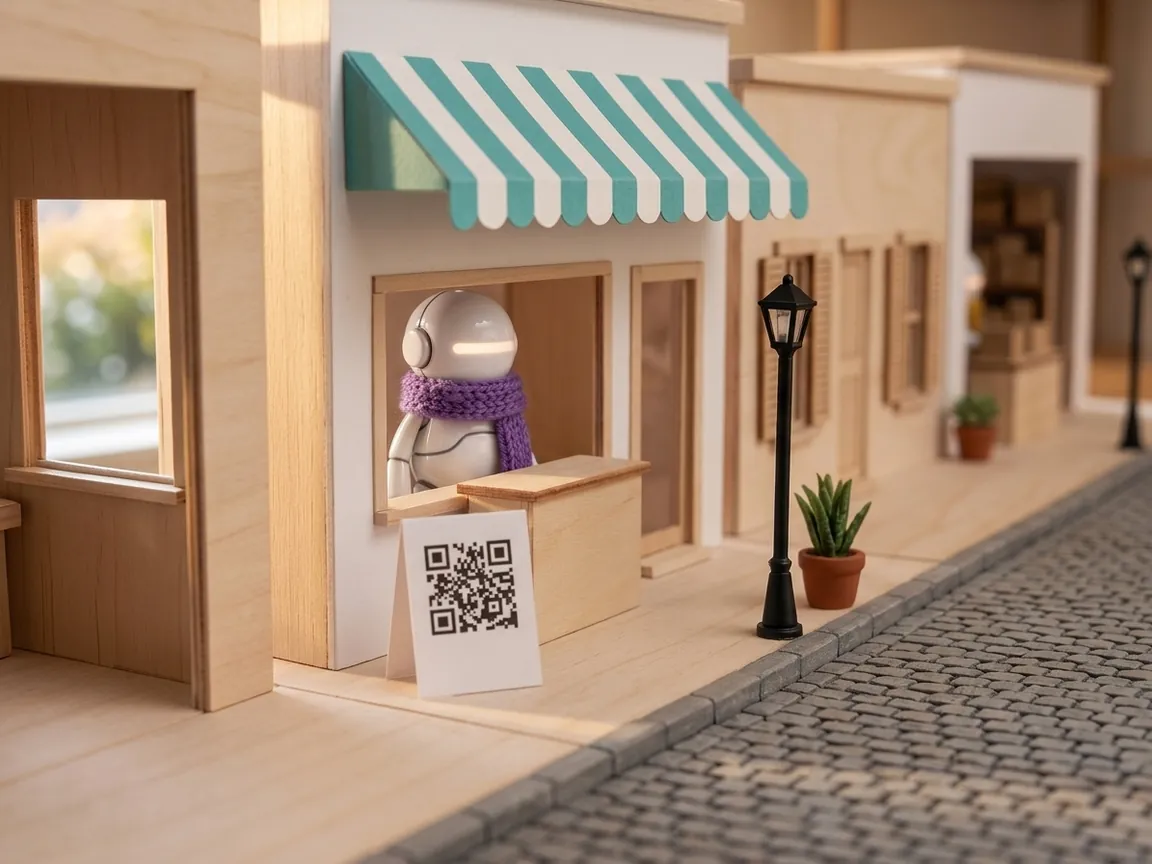
  • Miniature robot with a violet scarf at the counter of a shop with an awning

    Marketing

    Tells customers about your deals and news, with whatever you load for it.

  • Miniature robot without a scarf reading its binder, next to a basket of colored scarves

    + The role you need

    After-sales, technical questions, wholesale: you name it and you train it.

Channels

One employee, on every channel.

Add it to your website or online store with a snippet, and to your shop with a QR code that opens its chat. It answers by chat wherever you put it.

  • Miniature studio where a robot with a teal scarf works on its laptopYour website

    Do you ship nationwide?

    Yes, anywhere in the country. What's your postal code?

    On your website

    Paste a snippet on your site and its chat appears.

  • Miniature parcel shop with shelves of boxes and a robot with an amber scarfYour online store

    Do you have it in black?

    Yes, in black and in gray. What size are you after?

    In your online store

    The same snippet, if your store lets you add it.

  • Miniature shop with a striped awning, a robot with a violet scarf and a sign with a QR codeYour shop

    Any deal if I pay by bank transfer?

    Yes! This week, 10% off when you pay by transfer.

    In your shop

    A QR code on the counter opens its chat on the customer's phone.

The people, robots, model and conversations shown are illustrative.

Simple as that

Put it to work in three steps.

  1. Hire

    Choose its name, role and tone.

  2. Train

    Load your rules and your business's frequently asked questions.

  3. Publish

    Test it, then add it to your website, your online store or your shop.

Inbox

You stay in charge.

Every conversation lands in your inbox. When a person is needed, you take it over, reply yourself and hand it back to the virtual employee.

  • Filter by status or by employee.
  • Search by contact or by message.
  • See the credits each conversation used.
Diego S.Webchat · SupportExample
  1. I'd like to change the size of my order.
  2. Exchanges are done within 30 days, with the tag still on.
  3. You took over the conversation
  4. Hi Diego! I'm Ana, from the team. Checking your order now.

Usage

You know what each conversation used.

It runs on credits. You get free credits to try it when you sign up, and each conversation shows the credits it used.

ExampleExample of a conversation's record
Conversation
Diego S. · Webchat
Employee
Support
Messages
6
Credits used
Measured by the system

FAQ

Good to know.

Are they real robots?

No. The robots are an illustration. A virtual employee is an AI assistant that answers by chat, with the role, tone and answers you teach it.

Does it replace my team?

No. It handles the repetitive questions and your team sees every conversation in the inbox. When a person is needed, they take it over, reply and then hand it back.

Where does it answer?

In your website chat, in your online store if it lets you add a snippet, and in your shop through a QR code that opens its chat. The same employee can be in all three.

How many employees can I have?

You add employees as your business needs them, each with its own name, role and answers.

What can I teach it?

Its name, role, tone and greeting, its working rules, and your business's frequently asked questions with their answers.

How do I pay?

With credits. You get free credits to try it when you sign up, and each conversation shows how many it used.

Can I test it before publishing?

Yes. From the dashboard you write to it as if you were a customer before adding it to your website, store or shop.

The owner turns in his chair and smiles at the miniature street of his virtual employees

Add your first virtual employee.

Create the first one, train it with what you already know about your business and test it before you publish it.